Best Educational iPad Apps for Kids (Honest Reviews 2026)
The best educational iPad apps for kids ages 3-12 — math, reading, coding, and creativity apps that actually teach. Plus what to skip and how to manage screen time.
By The Slow Childhood
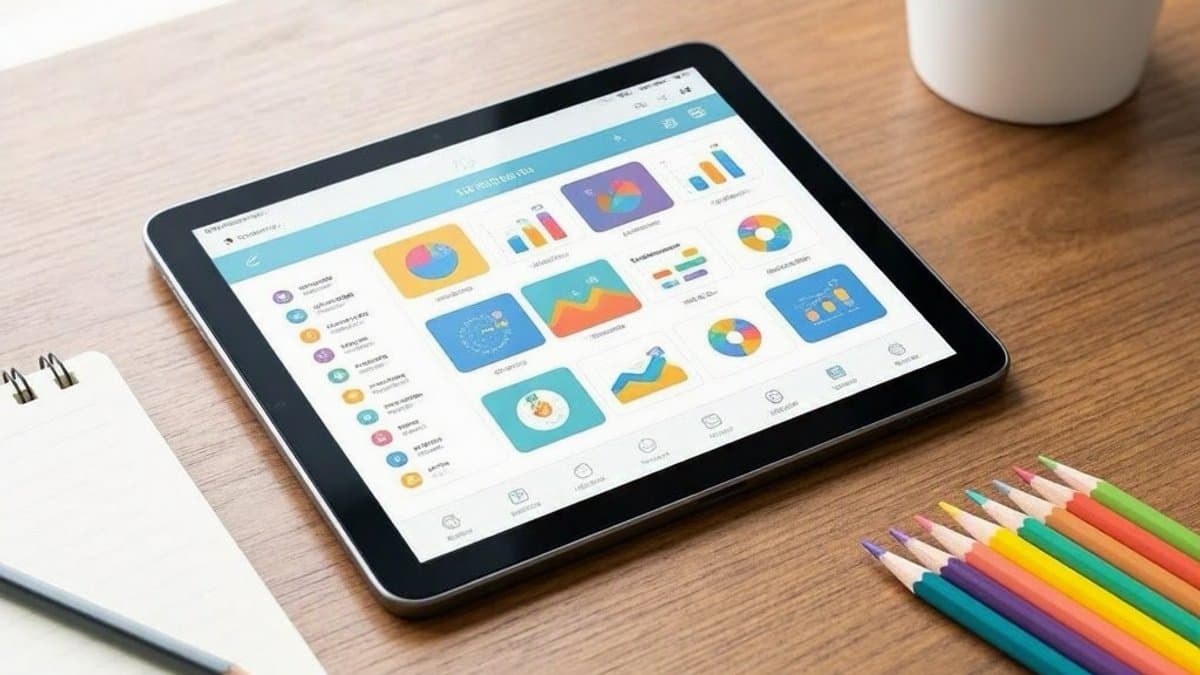
The iPad has become a fixture in many homeschool families — sometimes a powerful learning tool, sometimes an endless source of distraction, often both. The difference is which apps are installed and how they are used. A child with Khan Academy Kids and a few Toca Boca apps gets meaningful learning benefit from screen time. The same child with games and YouTube gets the developmental equivalent of fast food.
This guide covers the educational iPad apps we have used, tested, and seen work in homeschool families. We focus on what actually teaches, what is age-appropriate, and how to manage screen time so apps are tools rather than habits.
Best Free Apps
Khan Academy Kids (Ages 2-8)
Khan Academy Kids is the gold standard of free educational apps for young children. It covers reading, math, social-emotional learning, and creativity through carefully designed activities. The lovable characters, lack of ads, and research-based progression make it genuinely outstanding.
Subjects covered: Early reading, phonics, math, problem-solving, science, art, social-emotional development Cost: Free, no ads, no in-app purchases Best for: Every family with children ages 2-8.
Khan Academy (Ages 8+)
The full Khan Academy covers math, science, humanities, computing, and test prep from elementary through college level. Many homeschool families use Khan Academy as their primary or supplementary math curriculum.
Best for: Math, especially upper elementary through high school; supplementing any curriculum.
Duolingo and Duolingo ABC
Duolingo for foreign languages and Duolingo ABC for early reading both offer surprisingly substantial free content. Daily streak gamification motivates regular use.
Best for: Language learning at any age; early reading practice for ages 4-7.
Stack the States / Stack the Countries
Stack the States (and its Countries cousin) teaches geography through engaging stacking puzzles. Children learn US state shapes, capitals, and facts through gameplay that genuinely sticks.
Best for: Geography learning for ages 7+.
Best Premium Apps
Toca Boca Apps
Toca Boca makes a series of open-ended play apps for ages 3-9 that let children explore worlds — kitchens, hospitals, hair salons, towns. Quality is consistently high. Toca Boca World is the flagship combining many environments.
Best for: Imaginative play app experiences; rainy day options.
Tinybop Apps
Tinybop creates beautifully-designed educational explorations of complex topics — the human body, plants, monsters, the universe. Each app is essentially an interactive, educational picture book.
Best for: Deep dives into specific subjects; ages 5-12.
Endless Reading and Endless Numbers
Endless Reading and Endless Numbers teach early reading and math through engaging, well-designed games. The app design quality is exceptional.
Best for: Early literacy and numeracy for ages 3-6.
Reading Eggs
Reading Eggs is a more comprehensive early reading program with lessons, games, and progression tracking. More structured than free alternatives but more expensive.
Best for: Families wanting a complete digital early reading program.
Best Math Apps
Prodigy Math (Ages 6-12)
Prodigy Math gamifies math practice through an RPG game format. Controversial because some argue it's a math-flavored game more than real learning, but many children genuinely engage with it when other approaches fail.
Best for: Children who refuse traditional math practice.
Beast Academy Online
Beast Academy Online provides comprehensive math curriculum through interactive comics and challenging practice. Excellent for grades 2-5.
Best for: Strong math students wanting challenge.
IXL Math App
IXL provides structured math practice with adaptive difficulty. The app version delivers the desktop experience on iPad.
Best for: Practice and assessment supplement.
Best Reading Apps
Epic! Books for Kids
Epic! provides access to thousands of children's books, audiobooks, and read-along content. Strong selection across reading levels and topics.
Best for: Building digital reading habits; supplementing physical book collection.
Reading IQ
Reading IQ (from the makers of ABCmouse) offers a similar concept with thousands of e-books for ages 2-12.
Best for: Alternative to Epic! with similar value.
Vooks
Vooks is animated storybooks streaming service. Books are read aloud with subtle animation that supports rather than overwhelms the text.
Best for: Read-aloud time; ages 2-7.
Best Coding Apps
Scratch Jr (Ages 5-8)
Scratch Jr introduces programming concepts through visual block coding. Children build simple games and animations.
Best for: Coding introduction for early elementary.
Scratch (Ages 8+)
The full Scratch is a complete visual programming environment that older kids can use to build complex projects, games, and animations.
Best for: Older children genuinely interested in coding.
Tynker
Tynker provides coding curriculum with structured progression from beginner to intermediate programming.
Best for: Families wanting structured coding curriculum.
Swift Playgrounds (Ages 10+)
Swift Playgrounds is Apple's introduction to real Swift programming. Free, runs on iPad, and teaches actual code that can build real iOS apps.
Best for: Older children moving beyond block coding.
Best Music Apps
GarageBand
GarageBand is Apple's music creation software, free with iPad. Children can compose, record, and produce real music.
Best for: Musical exploration and creation.
Yousician
Yousician teaches guitar, piano, ukulele, and singing through real-time feedback as children play. Substantial subscription cost but legitimate music education.
Best for: Children pursuing real instrument learning.
Best Drawing and Creativity Apps
Procreate
Procreate ($13 one-time purchase) is a professional-quality drawing app accessible enough for school-age children. The Procreate experience develops real digital art skills.
Best for: Children genuinely interested in digital art (ages 8+).
Toca Hair Salon / Toca Kitchen
Toca Boca creative apps provide pretend play with imagination-supporting open-ended design.
Best for: Creative imaginative play for younger children.
Apps to Skip
YouTube and YouTube Kids. Even YouTube Kids has questionable content. The recommendation algorithm pushes children toward longer, more stimulating videos regardless of educational value. Skip entirely or watch only specific channels with strong supervision.
Free apps with constant ads. Ads disrupt learning, push purchases, and frequently market inappropriate content. If an app has ads, it's not really free.
Apps with in-app purchases. Children's apps with in-app purchases of any kind teach problematic spending behavior. Pay once for quality apps; avoid freemium models entirely.
Game apps marketed as educational. Many "educational" apps are 95% game and 5% education. The educational content is window dressing for engagement metrics.
Anything with social features. Apps that let children interact with strangers should be avoided regardless of educational claims.
Managing iPad Use Well
Set up parental controls. Apple's Screen Time features let you limit total iPad use, restrict specific apps, block app store purchases, and monitor what's actually being used. Set these up before letting children use the device.
Curate the home screen. Only the educational apps your child should use. Move everything else to a hidden folder or remove entirely. The path of least resistance becomes the actual behavior.
Set time limits. A specific allowed iPad time (e.g., 30 minutes after morning lessons) is far better than vague "until I say stop."
Pair with offline learning. iPad time should never be the dominant learning mode. Books, hands-on materials, conversations, and real-world experiences should be primary; iPad apps supplement.
Re-evaluate regularly. What worked at age 5 may not work at age 8. Periodically review which apps are actually used and which can go.
Watch for warning signs. A child who melts down when iPad time ends, who asks for it constantly, or who chooses it over other activities is showing signs of unhealthy use. Tighter limits or temporary breaks help reset the relationship.
For more on screen-related decisions, see our guides to screen-free activities for toddlers and screen time alternatives for kids.
The right educational apps, used in moderation as part of a rich offline learning life, can be genuine assets to homeschool. The wrong ones — or even the right ones used too much — quickly become problems. Curate carefully, supervise thoughtfully, and remember that no app substitutes for a child working alongside an engaged adult.
Frequently Asked Questions
- Are educational iPad apps actually educational?
- Some are, many aren't. The best educational apps teach real skills (early reading, math, coding, music) through carefully designed progression and provide genuine practice. The worst are games dressed up as education, full of in-app purchases and ads that addict more than they teach. Quality indicators: research-based design, no ads or in-app purchases, respected developer (Khan Academy, PBS, Toca Boca, Tinybop), clear learning progression, parent dashboard for monitoring.
- How much screen time is okay for educational apps?
- The American Academy of Pediatrics recommends limited screen time for young children: under 1 year, virtually none; ages 2-5, no more than 1 hour per day of high-quality content; ages 6+, consistent limits set by family. Educational apps don't get a free pass — screen time is screen time, regardless of educational labeling. Most homeschool families find that 30-60 minutes of focused educational app use daily is a reasonable maximum, with the rest of learning happening through books, hands-on materials, and real-world experiences.
- What's the best free educational app?
- Khan Academy Kids (ages 2-8) is genuinely outstanding and completely free, no ads, no in-app purchases. It covers reading, math, social-emotional learning, and creativity through high-quality content. For older kids, Khan Academy itself (the regular version) is the best free educational resource on the planet. Duolingo is excellent for free language learning. Most other 'free' apps include ads or freemium models pushing paid versions.
- iPad or Kindle for kids?
- It depends on use case. iPads are better for educational apps, drawing, music, and creative tools. Kindles (specifically Kindle Kids) are better for reading and avoid the entertainment temptations iPads present. Many families use Kindles for reading and limit iPad use to specific educational app time. The Amazon Fire Kids tablet is a budget alternative to iPad for app-based learning, with stronger parental controls but a more limited app ecosystem.
Enjoying this article?
Get more ideas like this delivered to your inbox every week.